Stop Your iPhone Suppressing Background Audio in Videos
In iOS, Apple's Audio Zoom feature automatically focuses your iPhone's microphones on whatever you've zoomed in on while recording video. It's great for isolating a subject in a noisy environment, ...
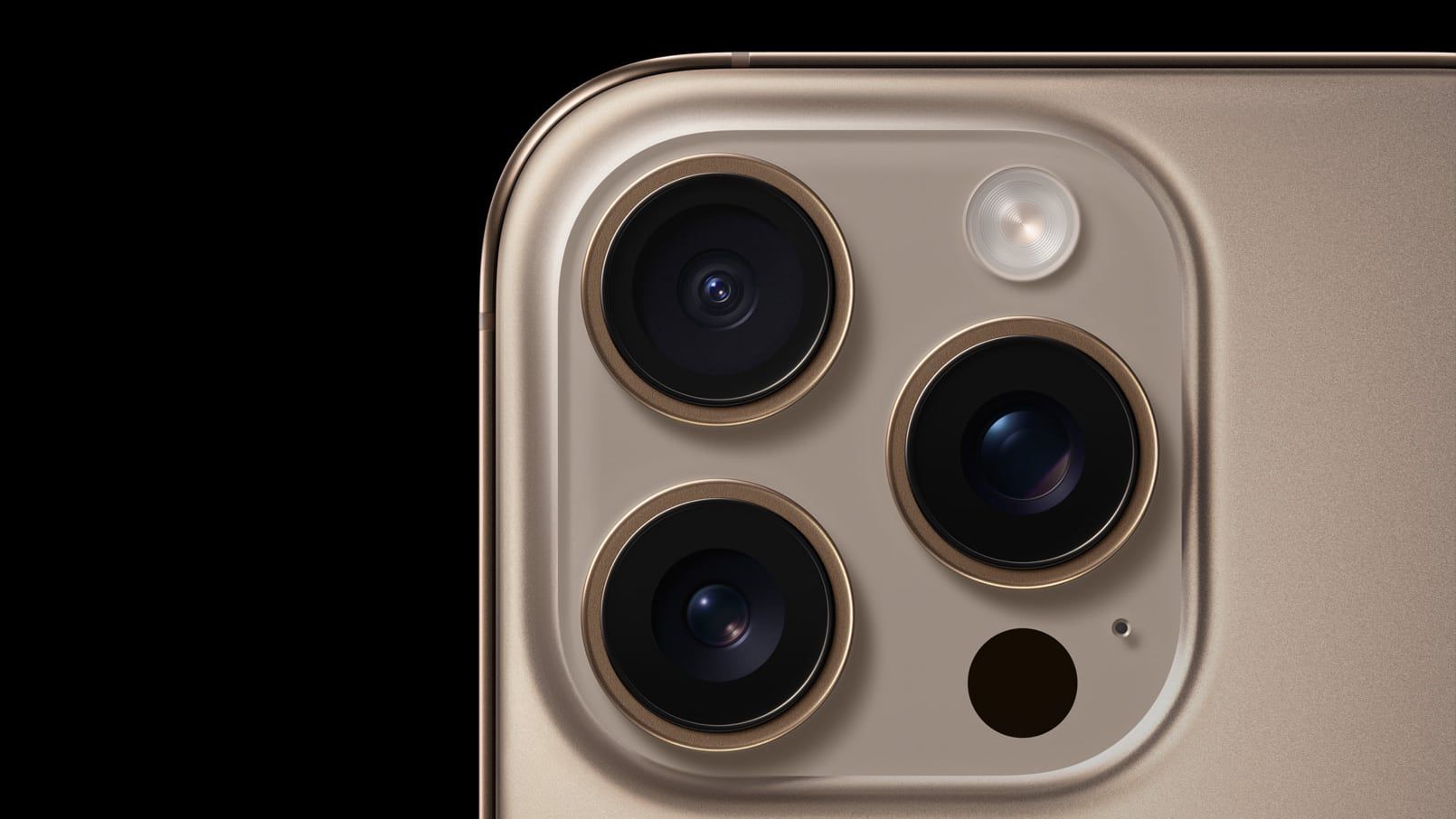
Source: MacRumors
In iOS, Apple's Audio Zoom feature automatically focuses your iPhone's microphones on whatever you've zoomed in on while recording video. It's great for isolating a subject in a noisy environment, but it can also strip away the ambient sound that can give your footage a broader context. Fortunately, iOS 26.4 adds a dedicated toggle for Audio Zoom so you can decide for yourself when it's truly required. What Is Audio Zoom? Audio Zoom is likely to be most useful if you're recording at a concert, sporting event, or any scenario where you want to isolate a specific sound source from a noisy environment. But what if you want to capture the full acoustic experience rather than just the subject you've zoomed in on? In those situations, the audio narrowing effect could risk making your video sound flat and unnatural. In iOS 26.4, Audio Zoom is on by default, but now you can also turn it off. If you haven't updated yet, head to Settings ➝ General ➝ Software Update on your iPhone to download the